
How to Understand CGM Glucose Trends in Daily Life
Use the graph, trend arrows, and time in range to prepare better questions for your healthcare team.
September 14, 20262 min readBy Medville Diabetes

A CGM can give you many readings each day. You do not need to judge every change on its own. The most useful starting point is to look for repeated patterns and bring them to your healthcare team. This guide explains what the common displays mean without setting a treatment target for you.
Start With the Current Reading and Trend Arrow
The number on the screen is the device's current glucose estimate. The arrow shows whether glucose is rising, falling, or staying steady. Together, they give more context than a number alone. Alerts and arrows differ across devices, so learn the symbols and instructions for your model.

Look at the Daily Graph, Not Just One Moment
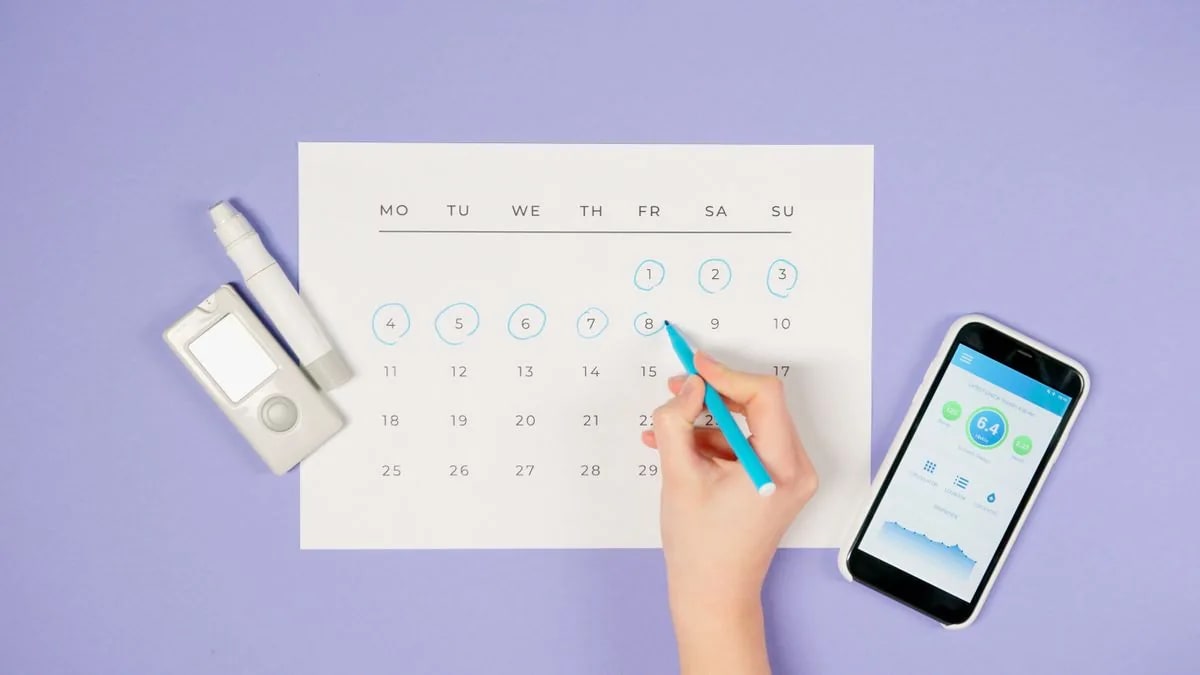
The graph can show how your glucose changes around meals, movement, medication, stress, or sleep. Food and activity both affect readings, and the same meal may look different on different days. Notice a recurring question, such as whether your reading rises after lunch or falls during a walk, rather than drawing a conclusion from one day.

- Write down when a pattern happens and what you were doing.
- Compare similar times on more than one day.
- Bring the graph and your questions to your next care visit.
- Ask before changing a medication dose or treatment plan.
What Does Time in Range Mean?
Time in range is the percentage of time your CGM estimates glucose within a target range. Many educational materials describe 70 to 180 mg/dL as a common range for many adults with diabetes, but a safe target is individual. Age, pregnancy, other conditions, and risk of low glucose can change the goal. Ask your healthcare professional which range and time goal fit you.
What If a Reading Does Not Match How You Feel?
Check the device instructions and your care plan. A CGM measures fluid between cells, so its reading can differ from a blood glucose meter, particularly during a quick change. A finger-stick check may be needed if symptoms and the display disagree. Our comparison of CGM and finger-stick checks explains why.
Make the Data Useful at Your Next Visit
Choose one or two patterns to ask about. For example: What might explain my repeated afternoon rise? What should I do when an alert sounds? Should I adjust when I check glucose around activity? Your care team can interpret the full picture, including your treatment and health history. For more on meals, read our guide to carbohydrates and diabetes.
Sources and Further Reading
- How to use your CGM for better diabetes management — American Diabetes Association
- Continuous glucose monitors — CDC
- Continuous glucose monitoring — NIDDK
Have questions about CGMs or diabetes supplies?
Contact our team to discuss your options and potential eligibility. The conversation is free and carries no obligation.
Contact Our TeamMore to read
What Is a Continuous Glucose Monitor and How Does It Work?
A clear introduction to CGM sensors, glucose trends, alerts, and the questions to ask before choosing a device.

CGM vs. Fingerstick Blood Sugar Checks: What Is the Difference?
Learn what each method measures, why readings can differ, and when a standard meter remains useful.

What to Ask About CGM Coverage and Diabetes Supplies
A practical checklist for discussing a CGM prescription, insurance benefits, supplier status, and out-of-pocket costs.